Your new image
Try 3 images free. Paid plans add high-resolution downloads without Sedam branding.
Try new furniture and decor in a photo of your room.
5.08 reviews from our early testersTry 3 images free
3 images total. No card. No monthly reset.
I love that it's so easy to navigate. I hate when everything is confusing and overwhelming. I love that it's so simple to use.
I love that it's so easy to navigate. I hate when everything is confusing and overwhelming. I love that it's so simple to use.
Translated from English
I love the find ideas area in the app. I can get some inspiration and then test it with one simple click. It's refreshing to see that it's not a generic AI generator and it actually has interior decor fundamentals from humans.
I love the find ideas area in the app. I can get some inspiration and then test it with one simple click. It's refreshing to see that it's not a generic AI generator and it actually has interior decor fundamentals from humans.
Translated from English
Now that everyone is using AI, I think this is the perfect app to help you stay compliant with your clients if you're a professional.
Now that everyone is using AI, I think this is the perfect app to help you stay compliant with your clients if you're a professional.
Translated from English
I love that there are so many styles and it's just easy to use.
I love that there are so many styles and it's just easy to use.
Translated from English
I really like that once an image is generated it lets you compare it with the photo you added, so you can check the structure stays the same.
I really like that once an image is generated it lets you compare it with the photo you added, so you can check the structure stays the same.
Translated from English
I often struggle with how to decorate areas, and having styles to choose from really made it easy for me.
I often struggle with how to decorate areas, and having styles to choose from really made it easy for me.
Translated from English
I was hosting a Halloween party and used this app to get inspiration and decorate the apartment.
I was hosting a Halloween party and used this app to get inspiration and decorate the apartment.
Translated from English
I love it.
I love it.
Translated from English
Drag the line to compare each example. Examples use stock photos or AI-made demo rooms. Compare both sides to see what changed.
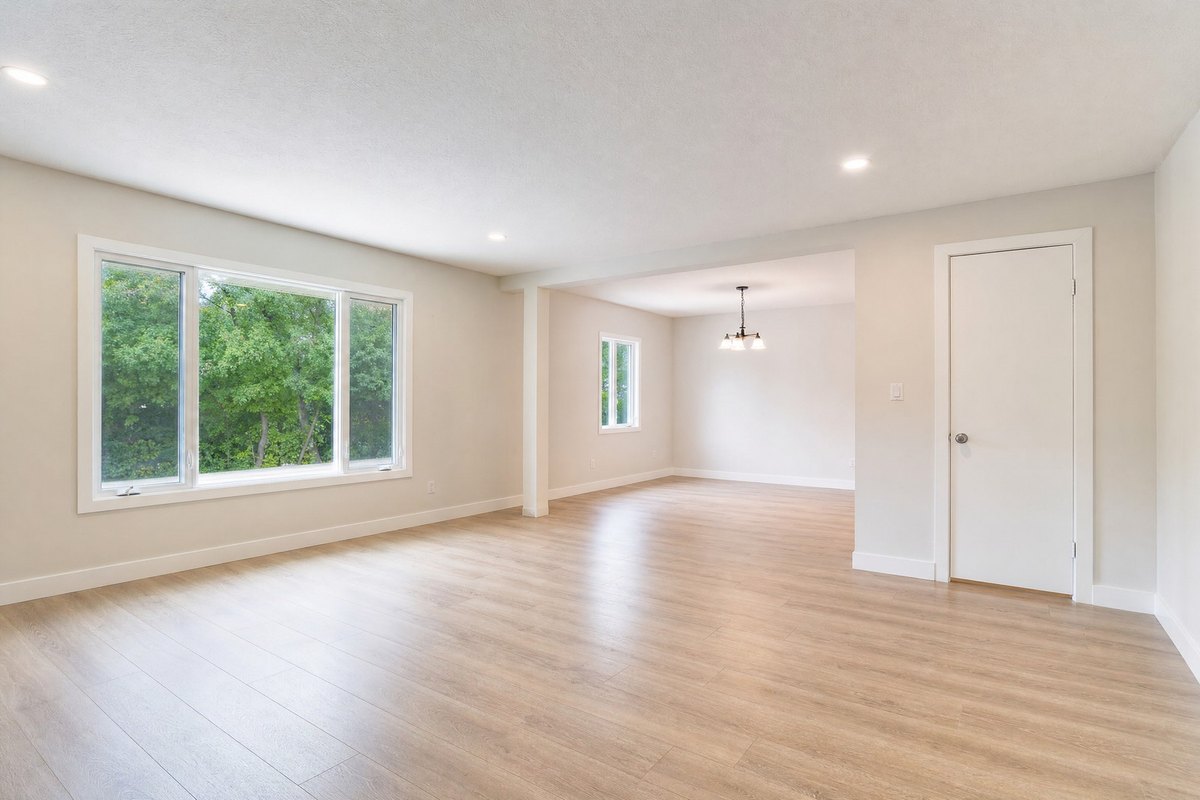
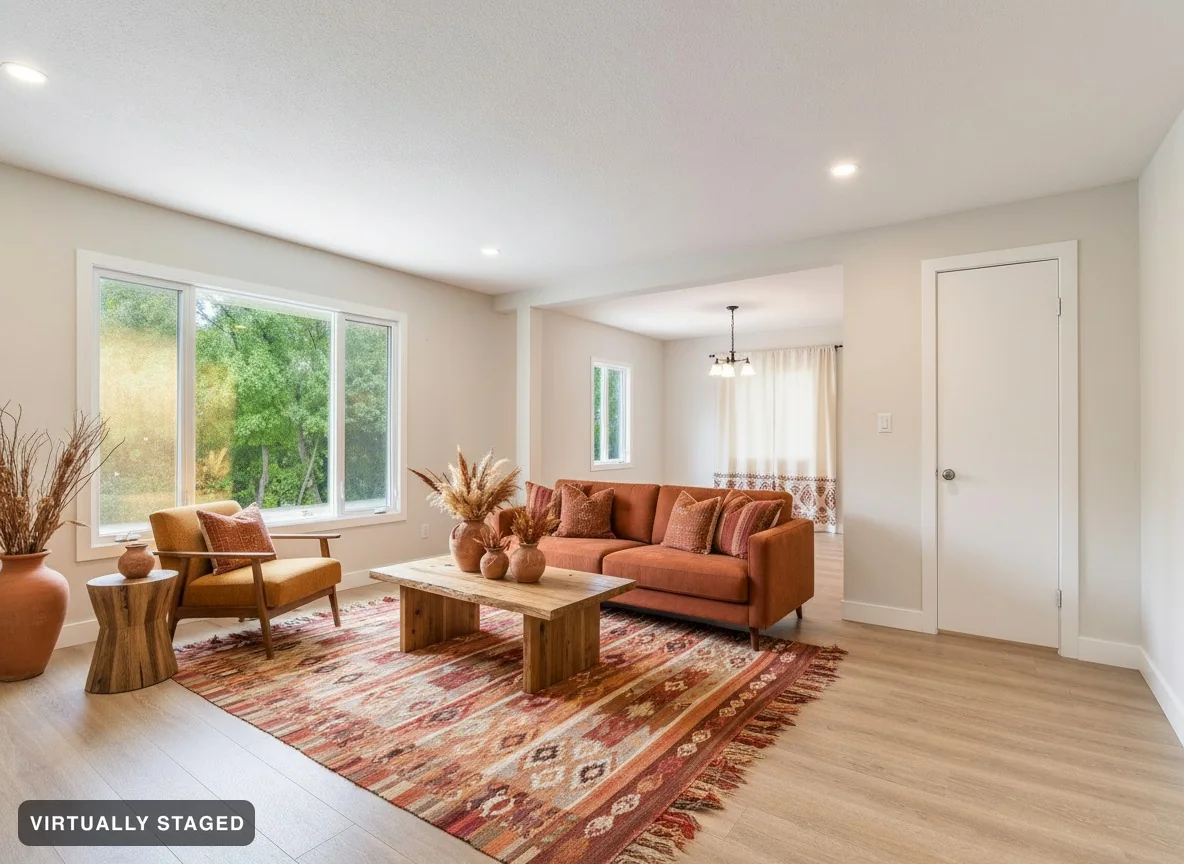 Original
Warm clay · virtually staged
Choose a furnished look. Room Check compares the result with your original before it is shared.
Open in studio →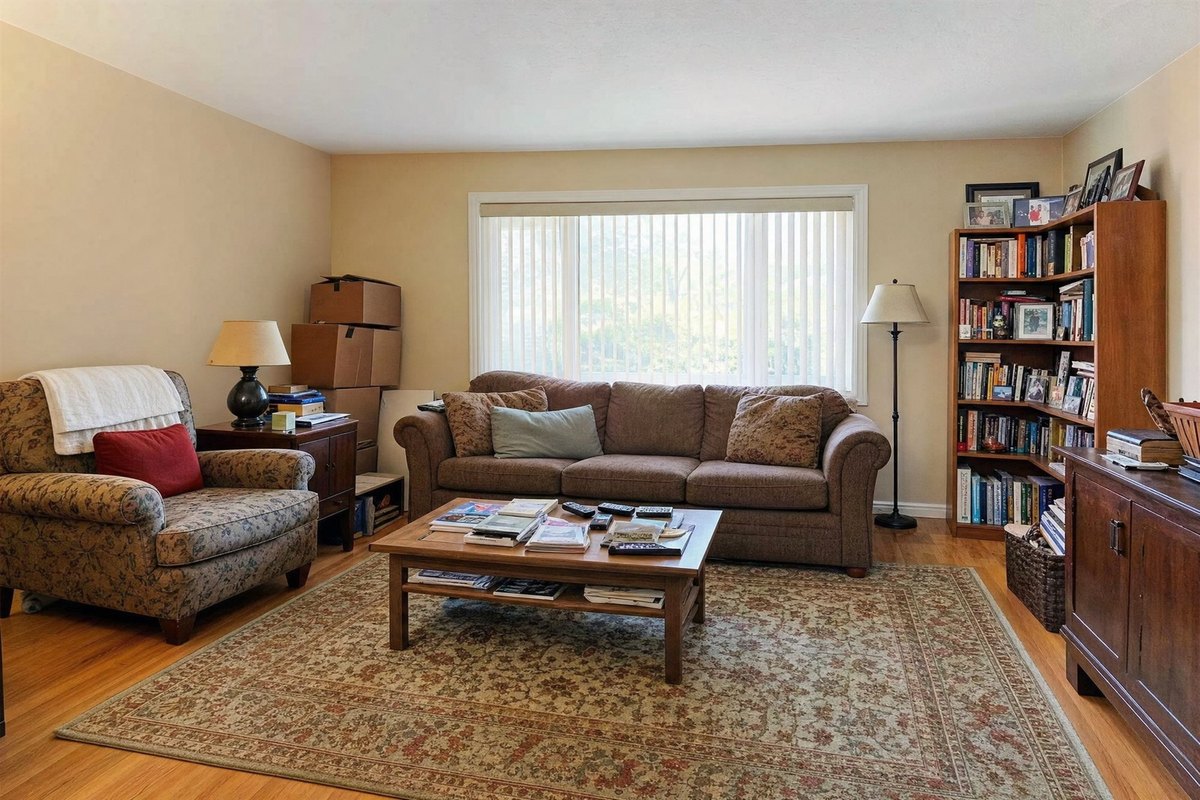
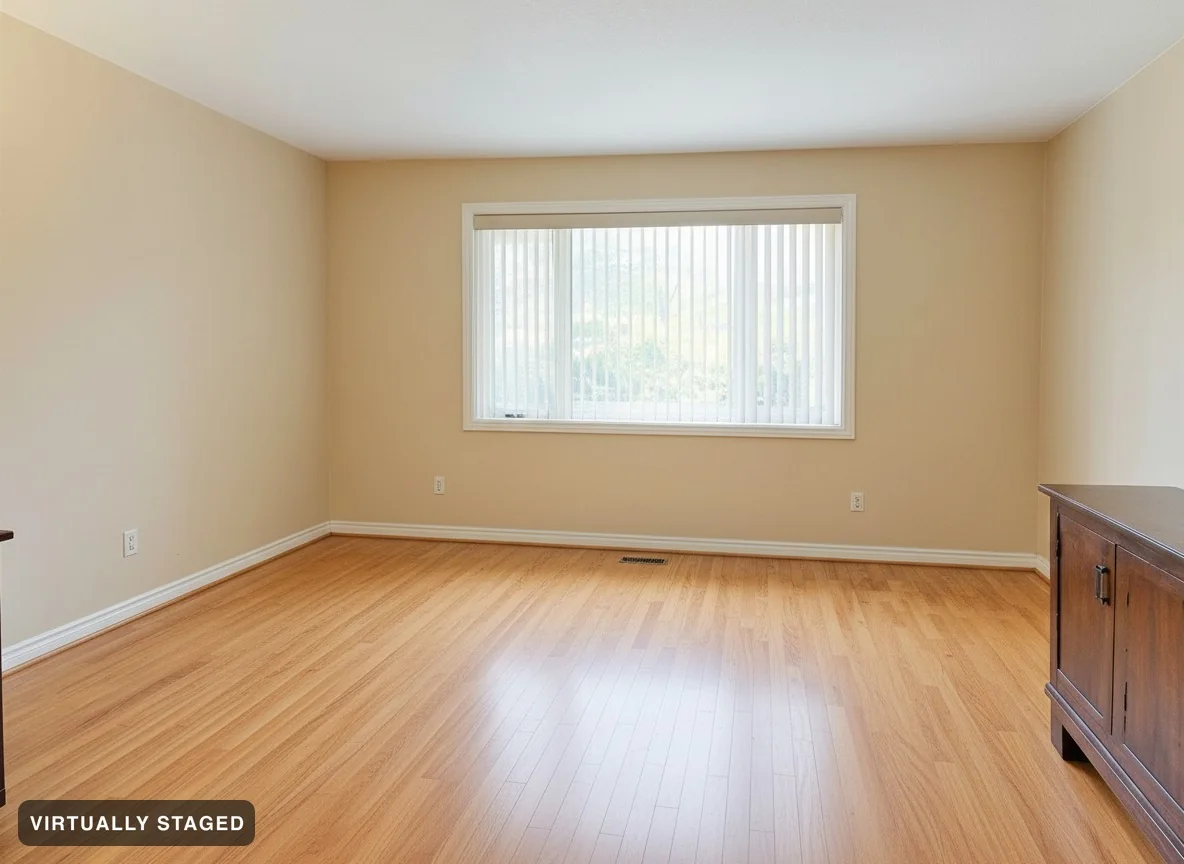 Original
Furniture removed
Remove loose furniture and decor. Keep fixed cabinets and the room itself.
Open in studio →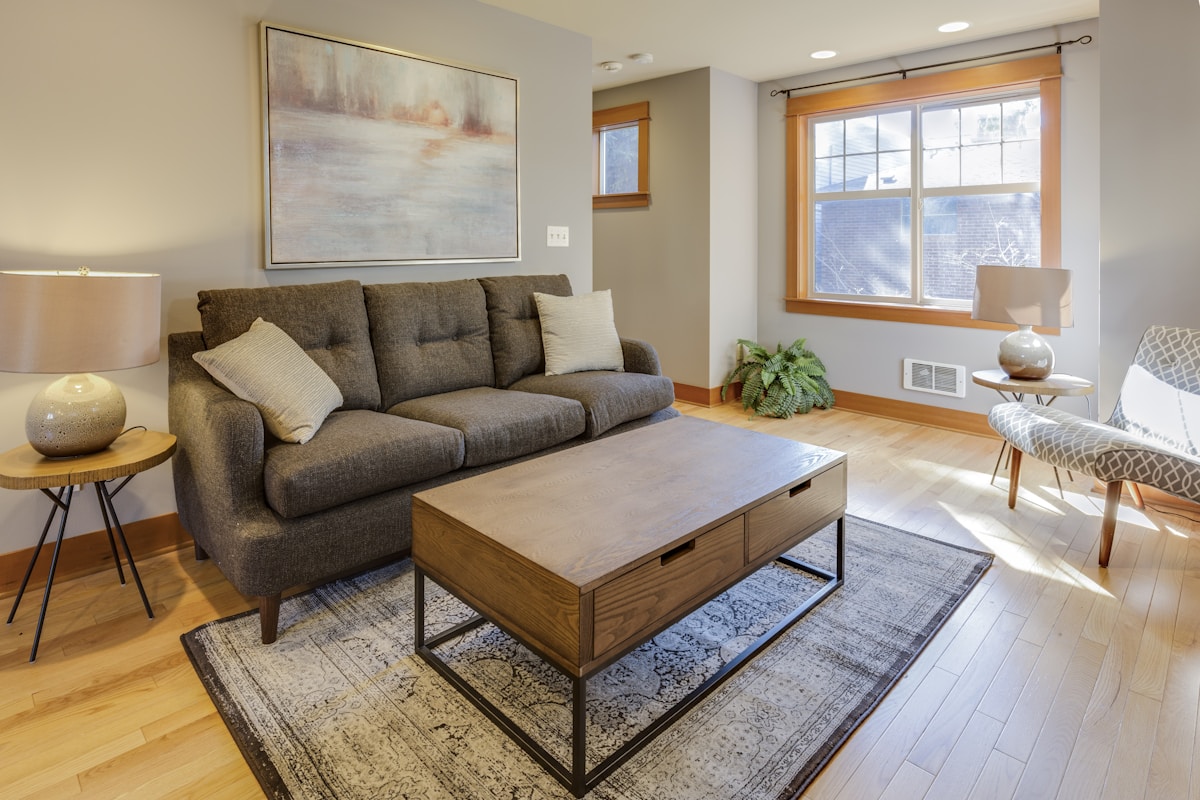
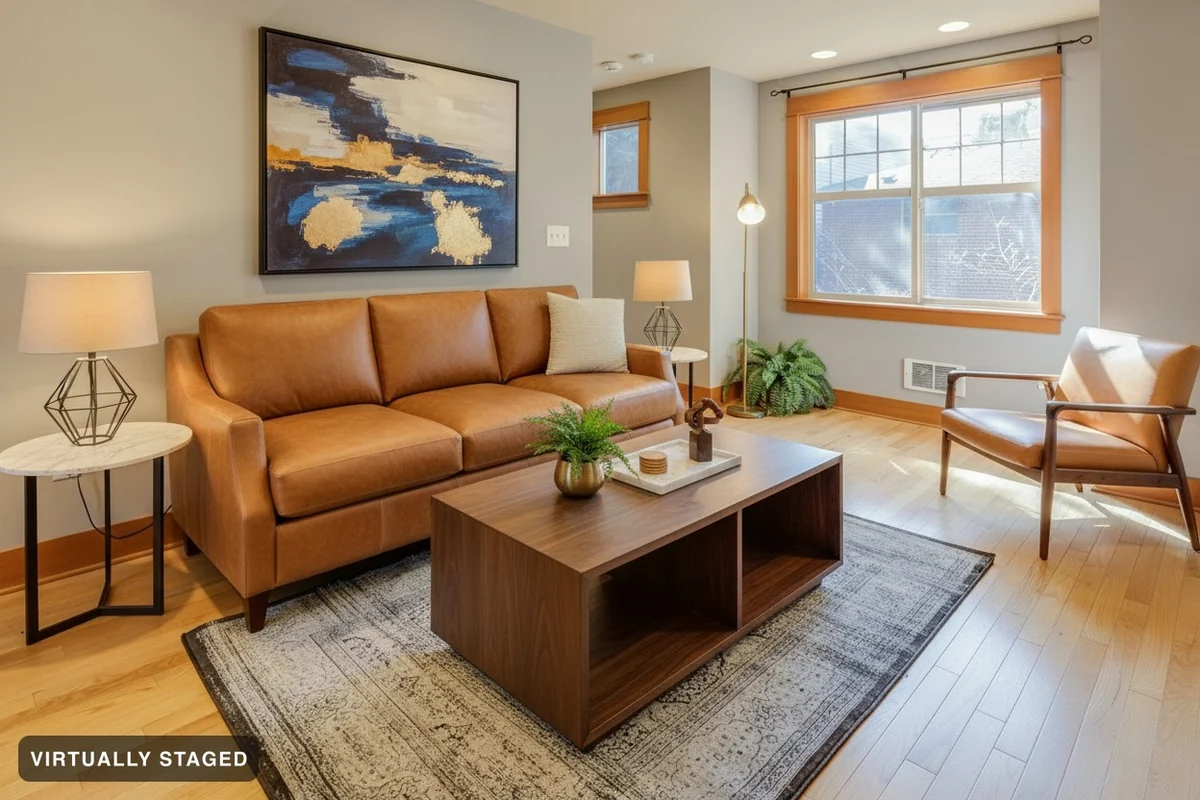 Original
Tan leather · furniture changed
Choose new furniture for the same room.
Open in studio →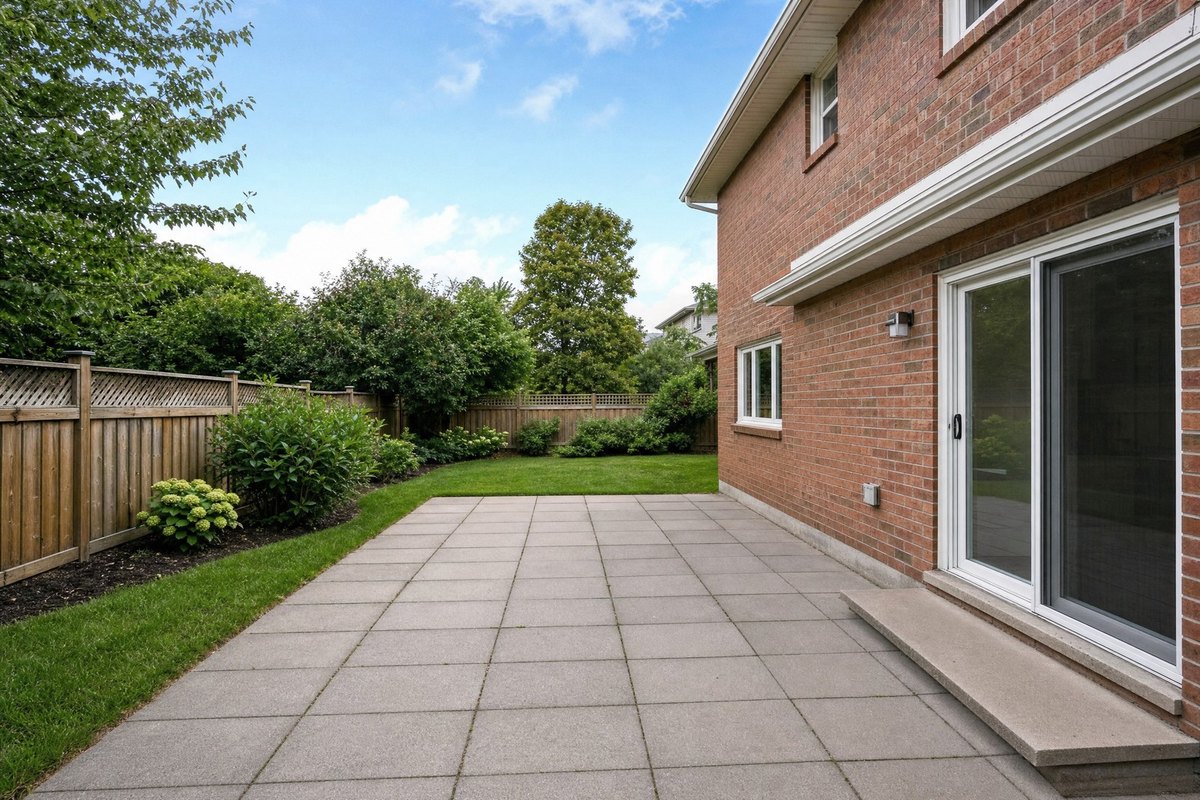
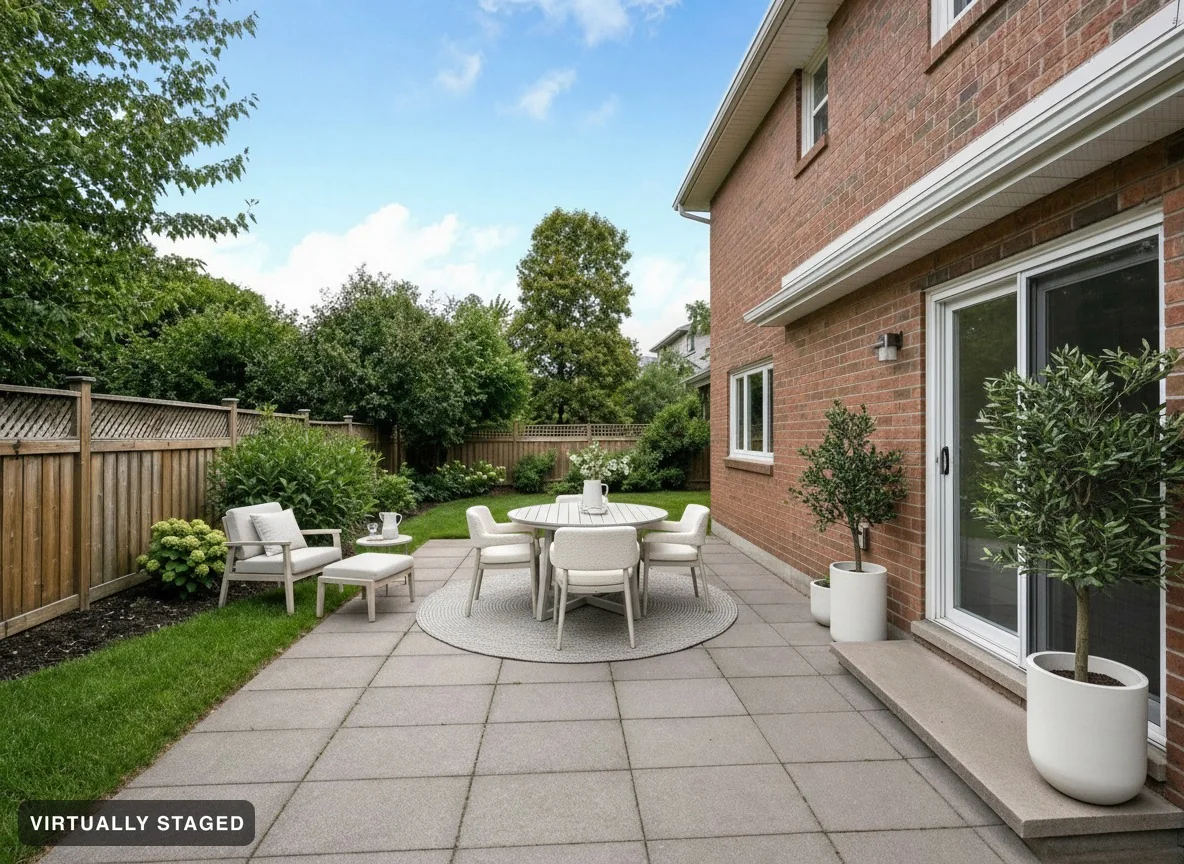 Original
Exterior · virtually staged
Add seats, tables or plants to a patio or garden. We check each result against your photo.
Open in studio →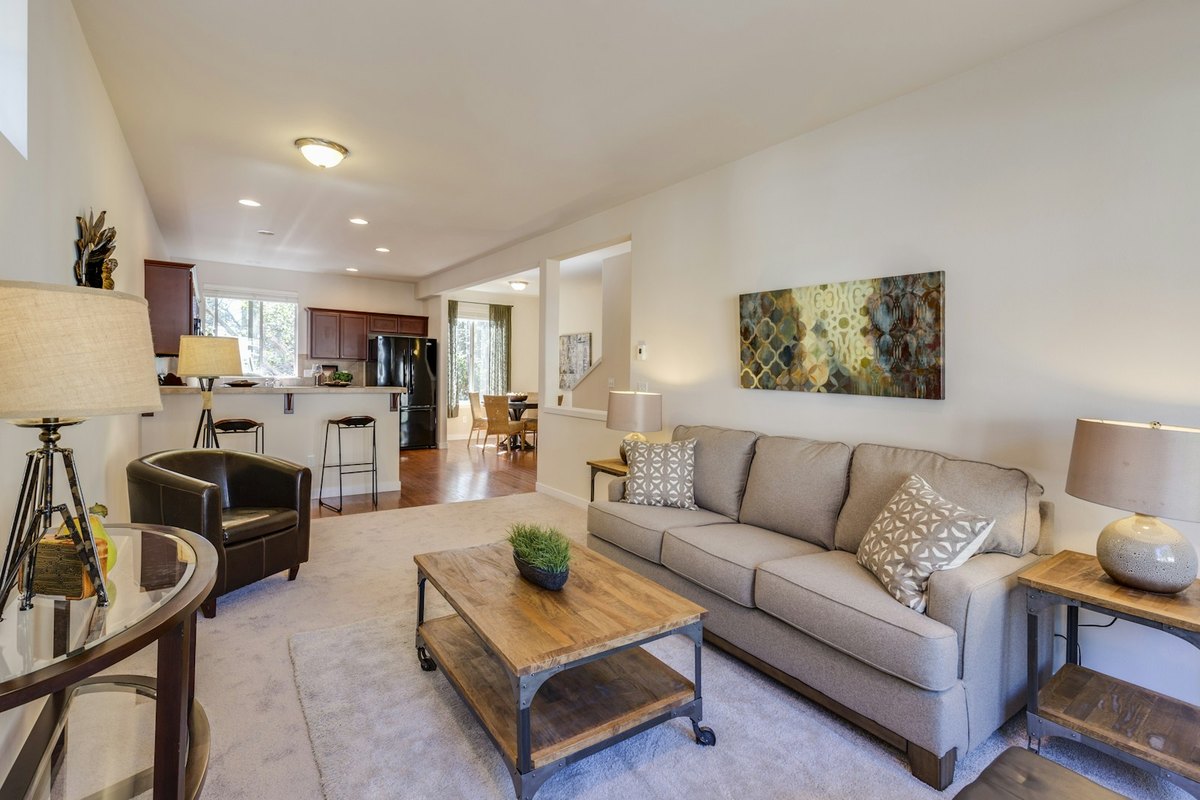
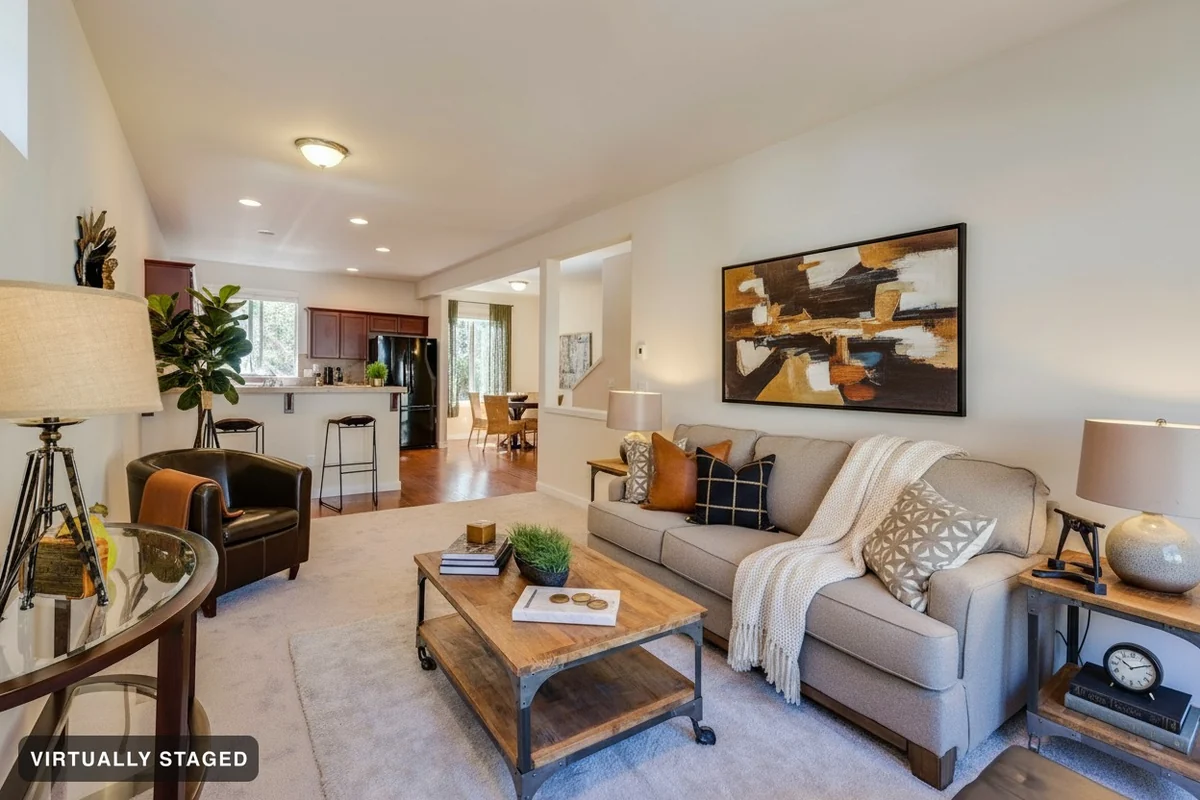 Original
Decor added
Try cushions, rugs, lamps, art or plants. Tell us which furniture to keep.
Open in studio →Room Check
Our AI compares your result with the original, looking for moved walls, missing doors and other unwanted changes.
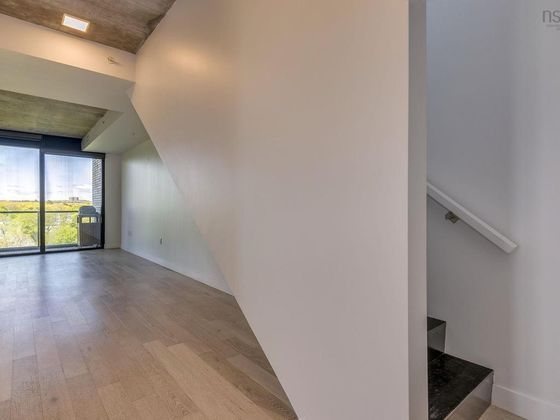
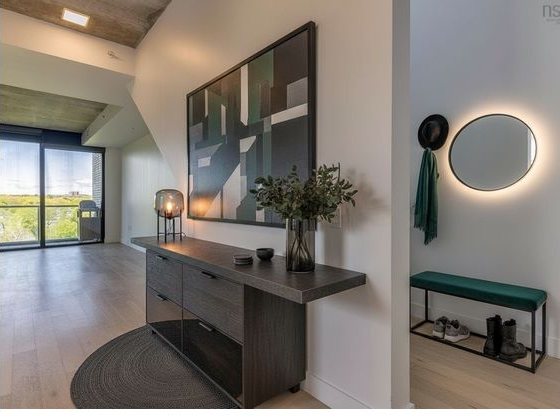 Original photo
Rejected: stairs removed
We compare the result with the room you uploaded.
Walls, windows and doors should stay in place.
Compare both photos yourself before posting.
AI can miss details. Review your result before you use it. Your original photo is always kept.
See more checked examples →Pro subscription, Ultra and one-property downloads add listing disclosure text and a QR code that opens the original photos. Personal includes originals; the listing kit starts with Pro subscription.
From your own home to your next client project.
Prices in CAD · Canadian dollars. Set for your location. Any tax is shown before you pay.
Choose monthly or yearly billing.
Try new looks for your home
Annual plan
≈ $0.36 per generated image
Start free3 free images. No card needed.
Renews until you cancel. Monthly image limits apply.
Recommended for professionals
Built to help you meet listing disclosure rules.
Annual plan · Save 41%
≈ $0.29 per generated image
Start free3 free images. No card needed.
Renews until you cancel. Monthly image limits apply.
Recommended for professionals.
Built to help you meet listing disclosure rules.
Annual plan · Save 39%
≈ $0.26 per generated image
Start free3 free images. No card needed.
Everything in Pro subscription, plus
Renews until you cancel. Monthly image limits apply.
Everyone starts free. Three images, no card — just a sign-in so your work is saved. Pick a plan when you run out, and you keep everything you already made.
Use photos from your phone or photographer. Choose the space and what to change. We check each photo before creating the image.
Choose a style and what you want to change.
Paid downloads include high-resolution staged images and your originals.
Try 3 images free. Paid plans add high-resolution downloads without Sedam branding.
Compare before and after. Your photos stay yours—we never train on them or resell them.
Our AI compares the result with your photo. Real estate images keep their staging label.
Design your own space or prepare photos for a property listing. Choose the guide that fits your project.
Stage listing photos, compare the result and save a labelled image.
Compare styles in your client’s room before buying furniture.
Try new furniture or clear the room before you buy.
Explore what your space could become — clearly marked as concept.
Try a new look at home. Help buyers picture a furnished room.
Try new furniture and decor in a photo of your room.
Add furniture to an empty room in your listing photo.
Examples made with Sedam. Review your images and local listing rules before posting.
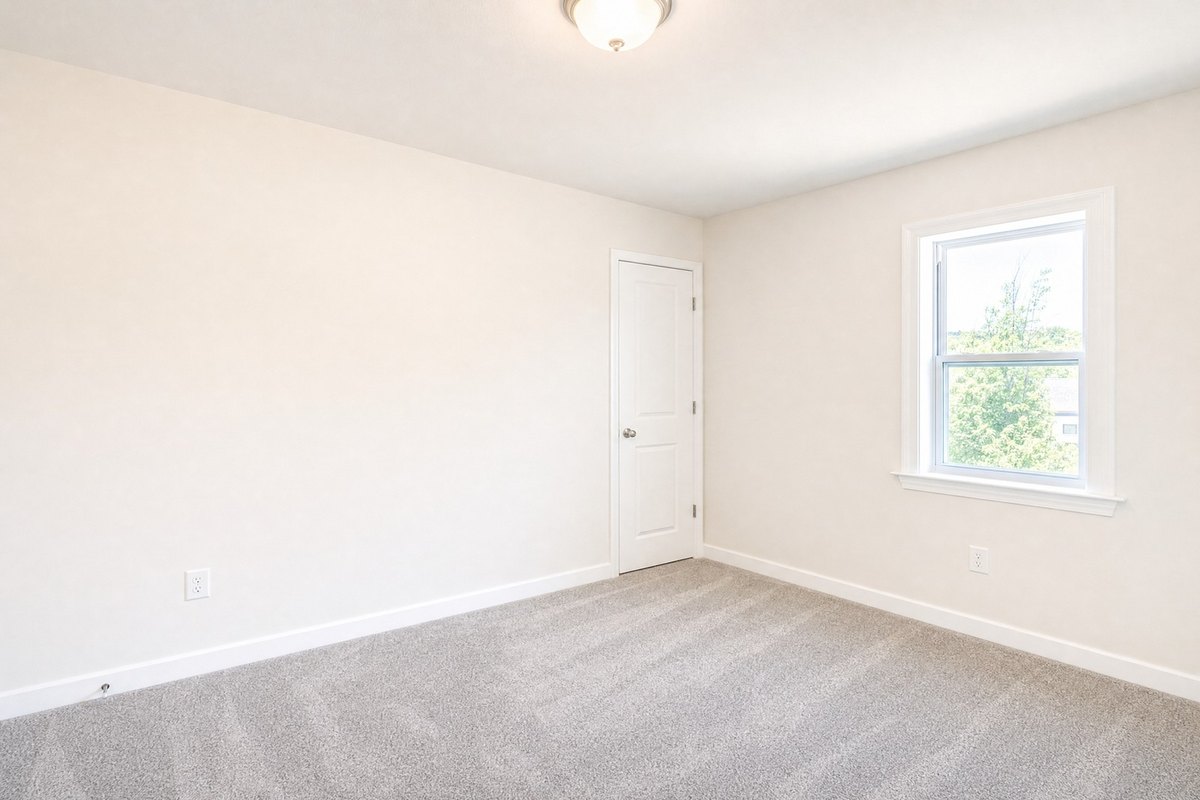
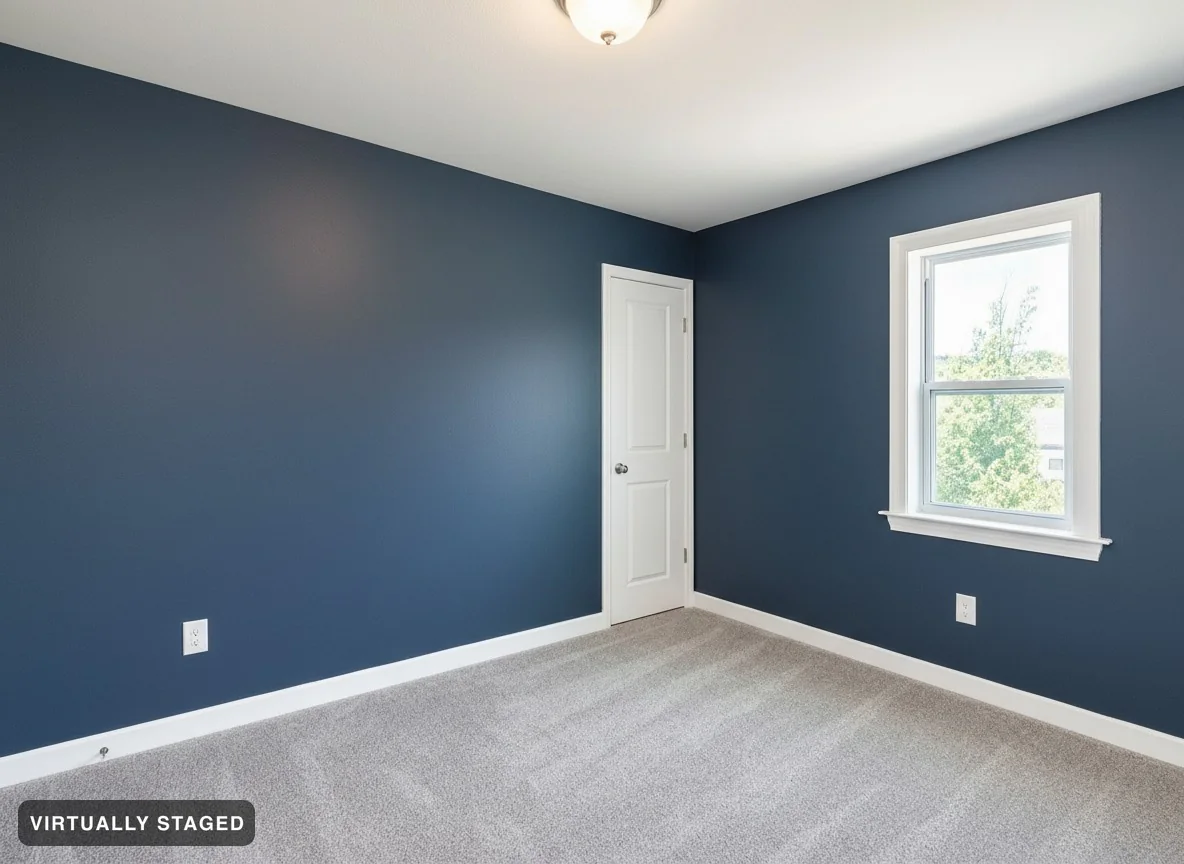
Drag to compare. These AI-made examples show paint, wall trim and kitchen finishes. Review your result before you buy or build.
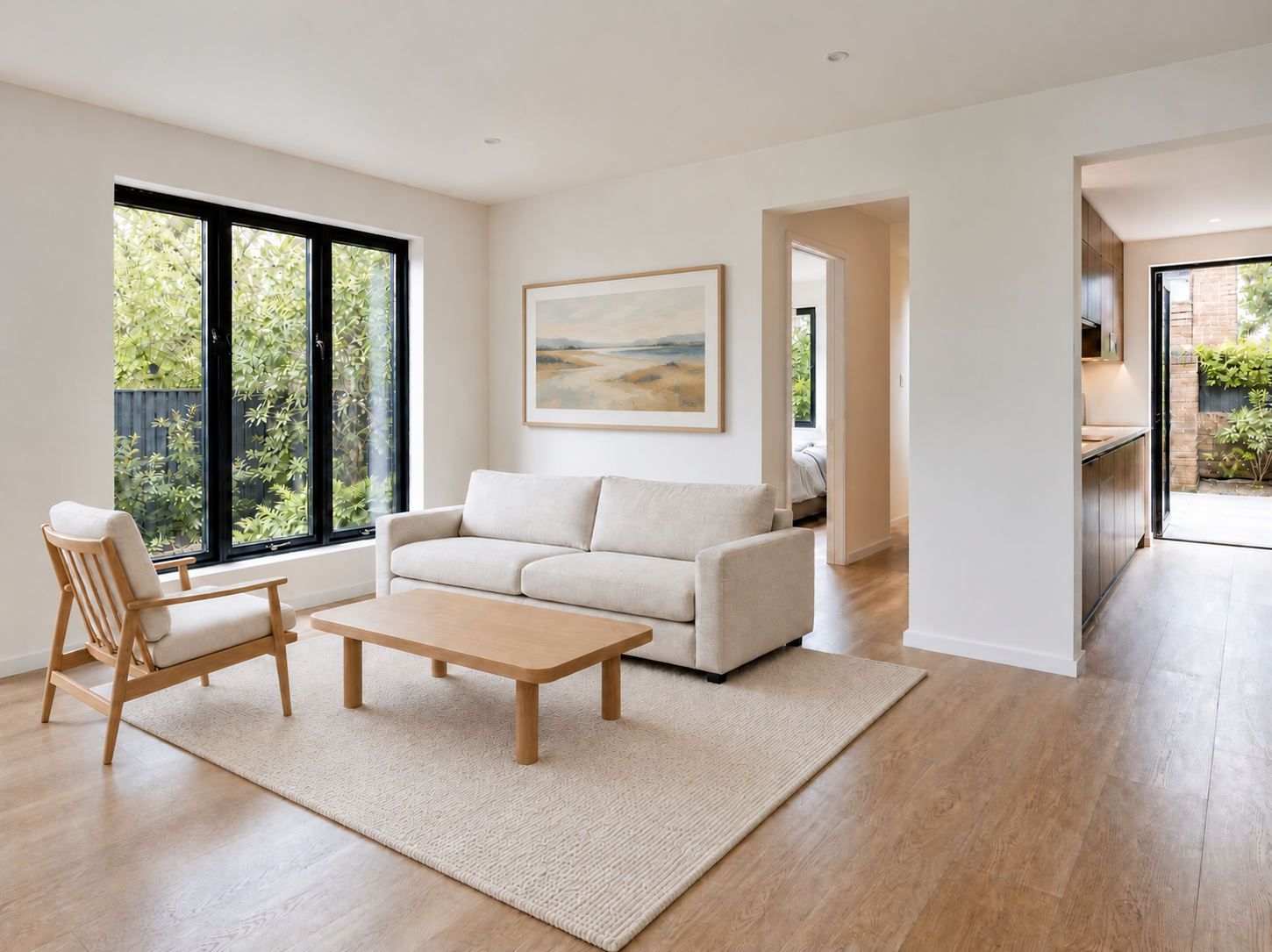
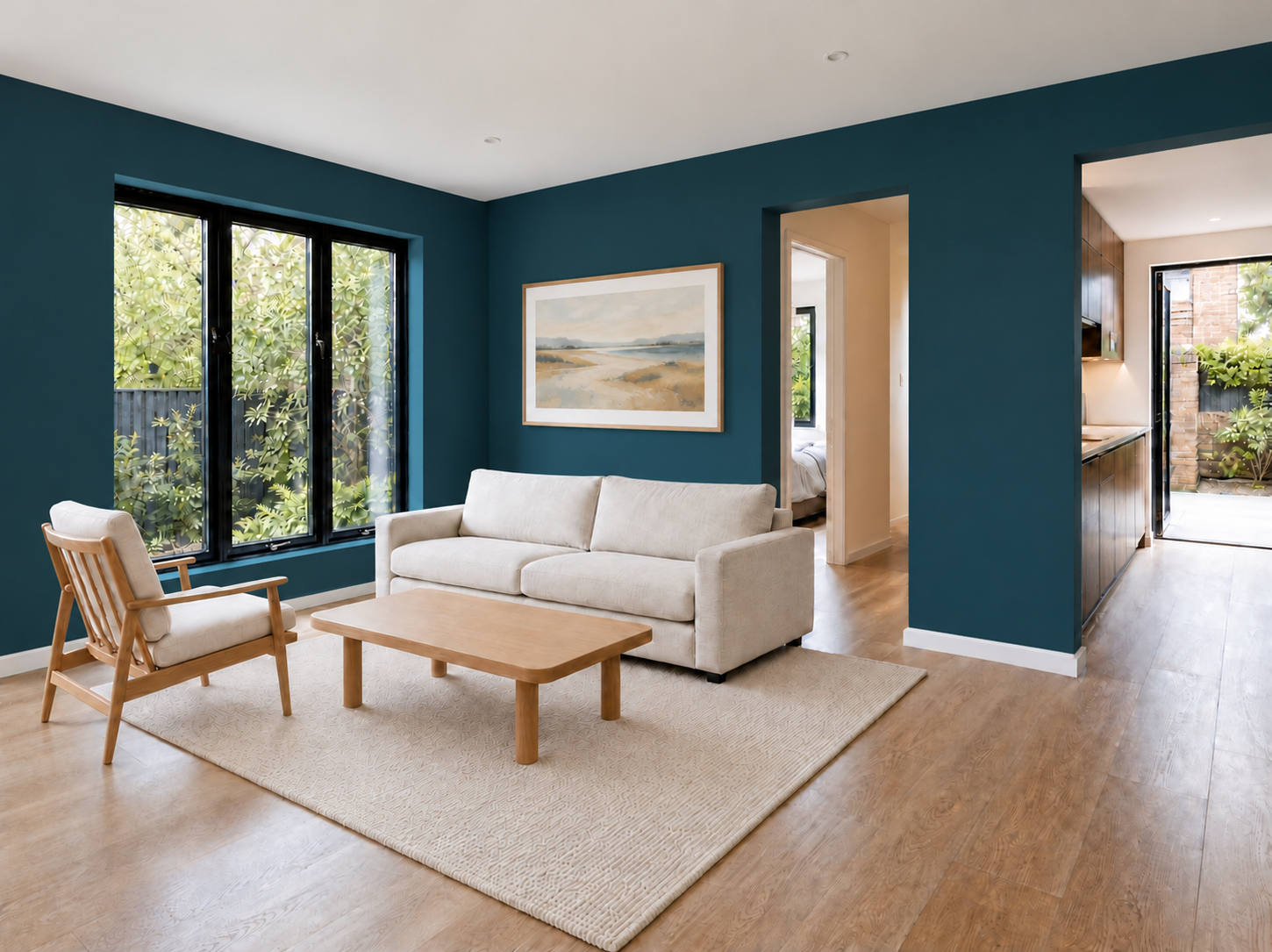 White walls
Blue walls
See a new paint colour with the same furniture.
Try your photo →
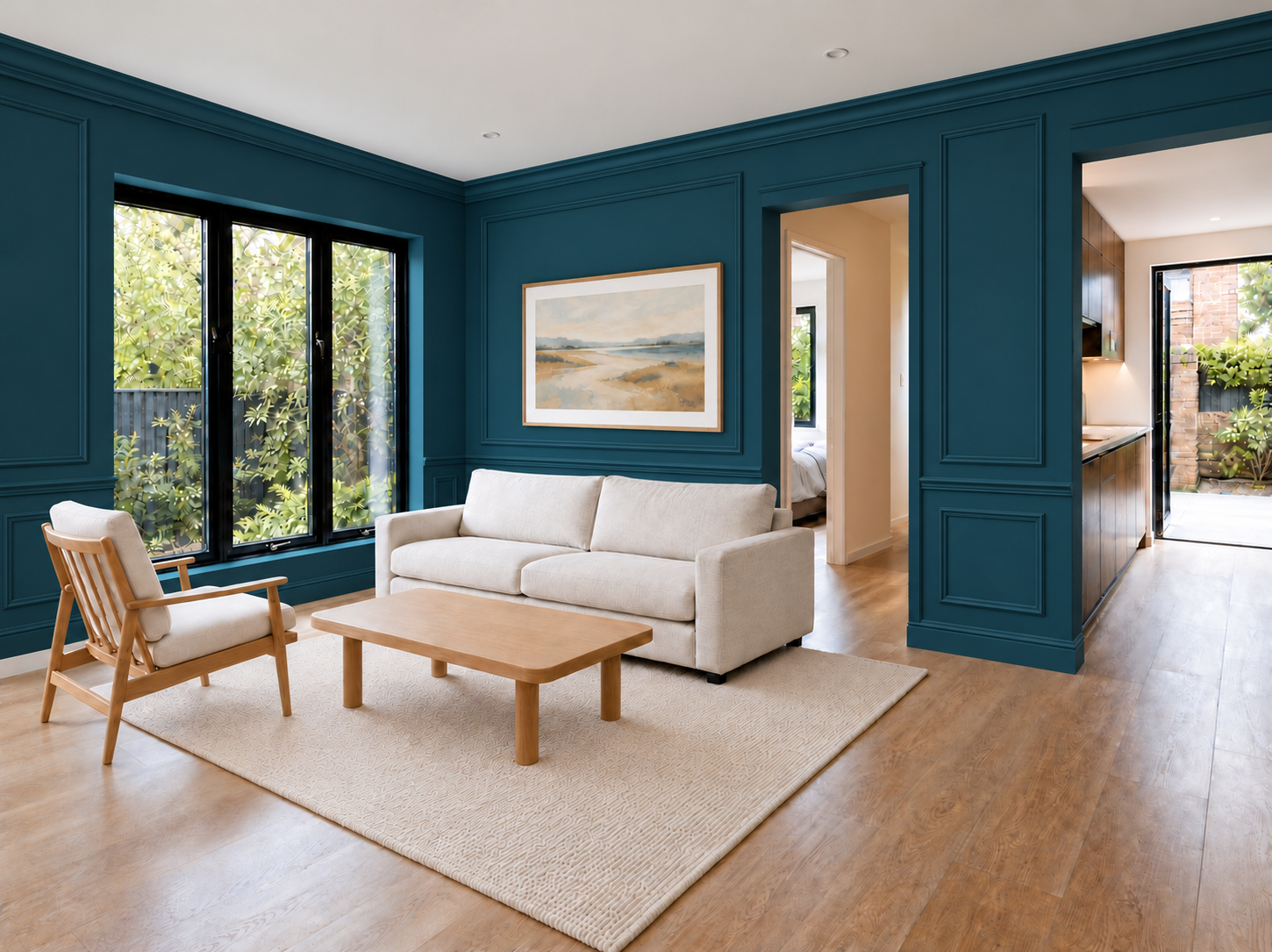 Plain walls
Wall moulding
Try raised trim that makes a pattern on the wall. A renovation idea.
Try your photo →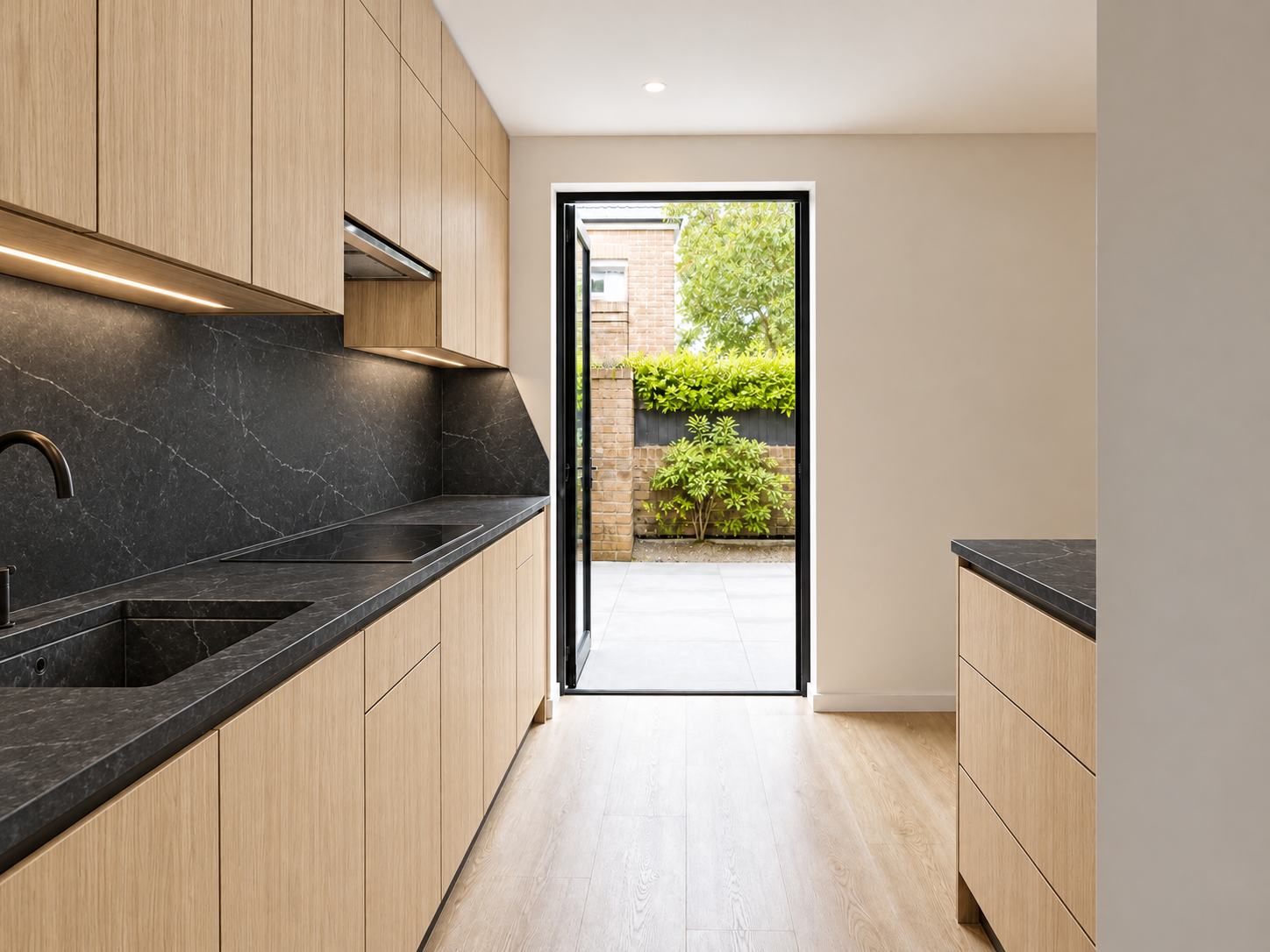
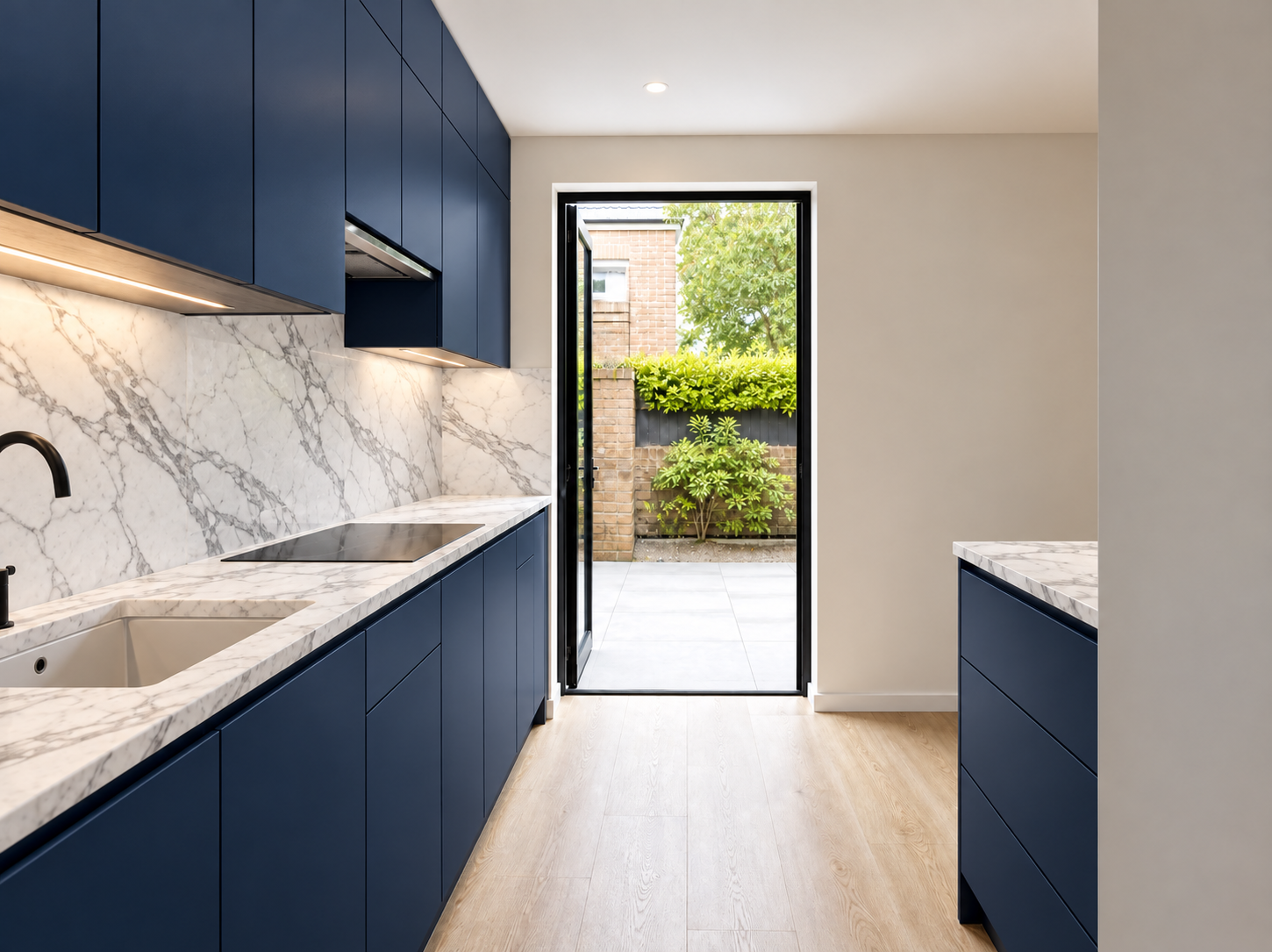 Oak + dark stone
Blue + white marble
Try wood, paint and stone in the same kitchen. A renovation idea.
Try your photo →Rules vary by local real estate board. Keep the Virtually staged label and your original photo. Check your board’s rules before posting.
Room Check compares your new image with your photo. For property listings, a failed check leads to a retry or a stopped image. For personal designs, safe results can still be saved with notes about changes or an incomplete check. Personal designs cannot go in listing files or buyer links. AI can miss details, so compare the photos yourself.
Property listing photos keep the label on every plan. Personal subscriptions, Pro subscriptions and Ultra subscriptions can make private projects without it. Private projects cannot use buyer sharing or property photo files.
We keep your original with the staged images so you can compare them. Your photos stay yours. We do not train models on them or sell them. See our Privacy Policy for storage and deletion details.
No. Sedam Staging creates still photos. The current offer does not include videos, walkthroughs or 3D models.
We cannot promise a faster sale. Sedam helps you show room ideas and compare them with the real photos.
Try 3 images free, with no card. Compare each result with your original before you use it.
Try 3 images free